
November 6, 2026 · Justin Bash
The Weekly CHCK In
The CHCK app, and how a grade works in it.


This week: the CHCK app for iPhone, and how a grade works in it.
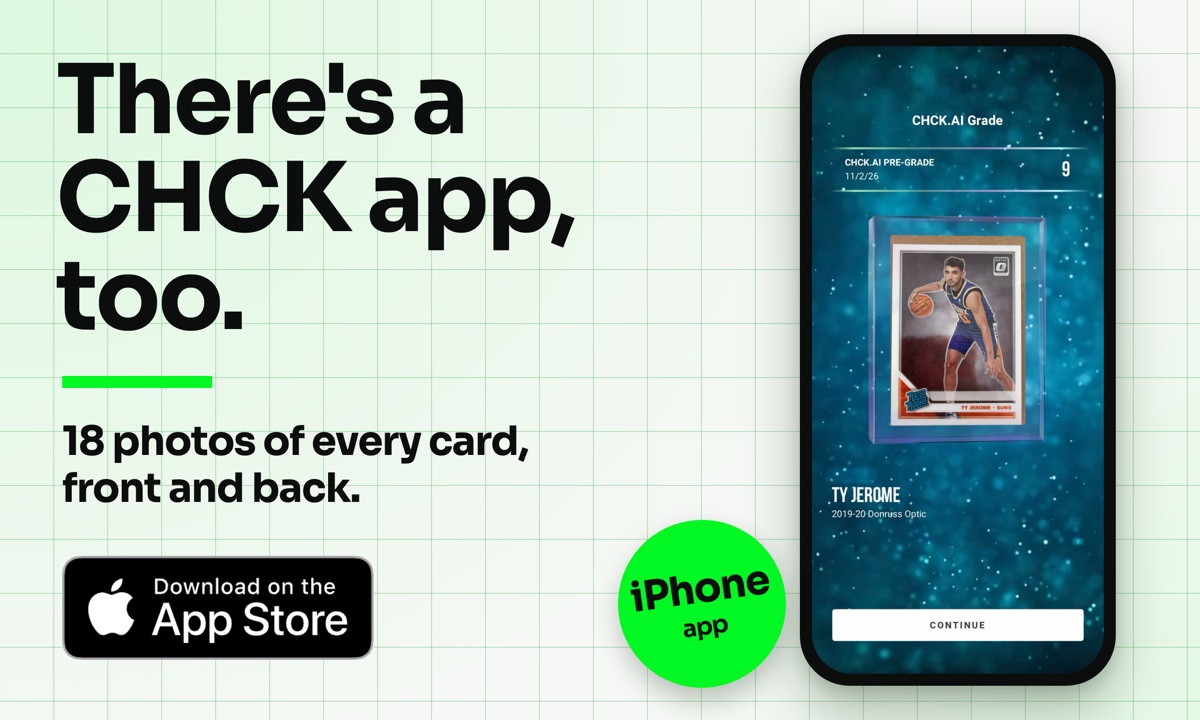 | |
On iPhone Most of you grade on chck.ai. In case you haven't seen it yet, CHCK has an iPhone app too, and it looks at your card a lot more closely. The website grades from two photos, the front and the back. The app walks you through 18: the front and the back, plus all four corners and all four edges on each side. It takes every one of them with flash and without, so your grade is built from 36 shots instead of 2. That makes it the most thorough grade we offer. The app is iPhone only, and it has its own sign-up, so you'll make an account the first time you open it. On Android? Keep grading at chck.ai in your phone's browser. | |
|
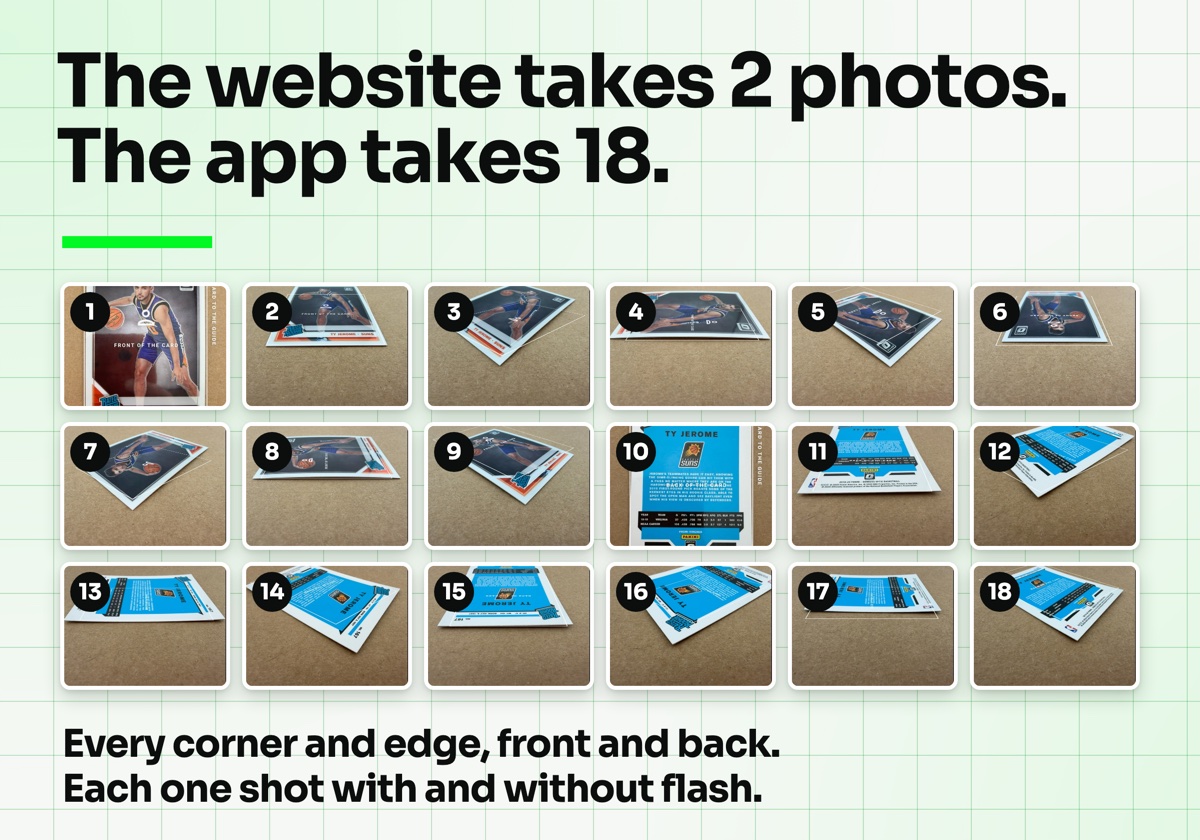 |
Website or app Most cards don't need the full inspection. Two photos on chck.ai are plenty for sorting a stack, checking a buy at a card show, or a first look at fresh pulls. Your best cards are different. For those, open the app and let it take the long look: every corner, every edge, both sides. |
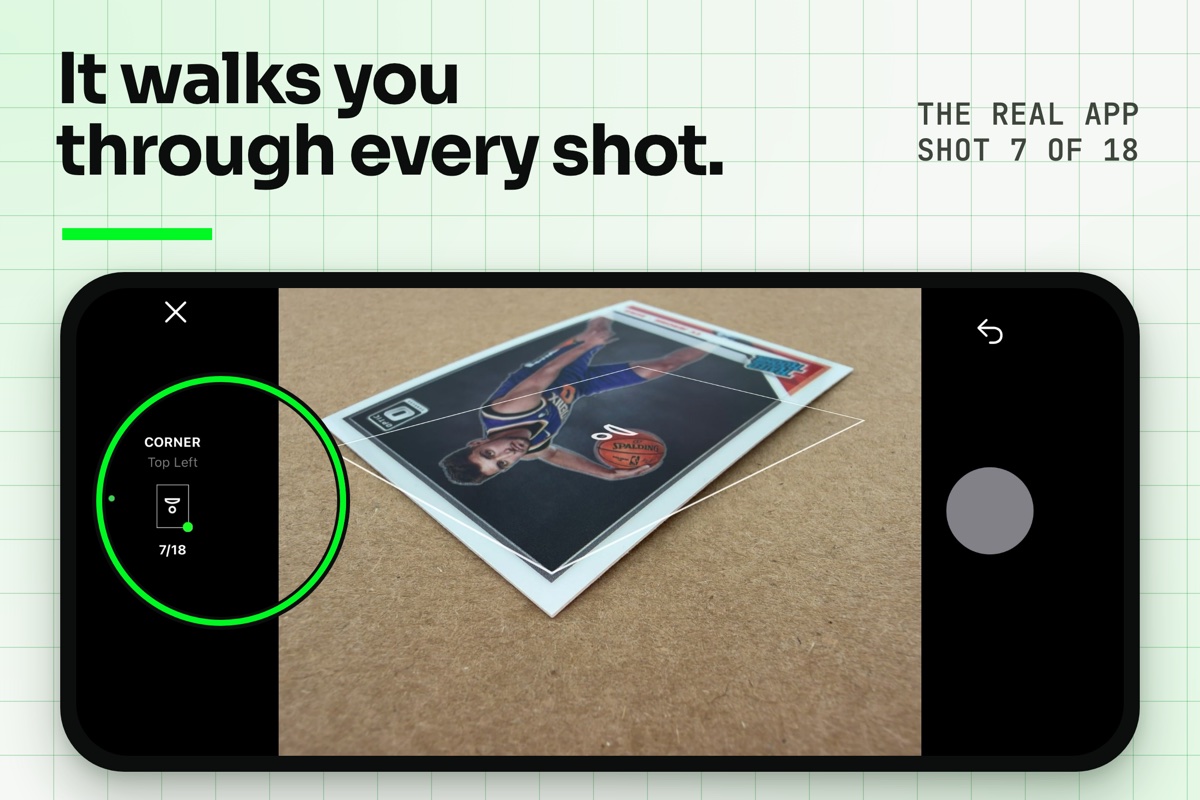 | ||||||||||||||
How it works in the app
Tip from the app: take the card out of any sleeve or holder, lay it flat on a cardboard brown background, and shoot in natural light. | ||||||||||||||
|
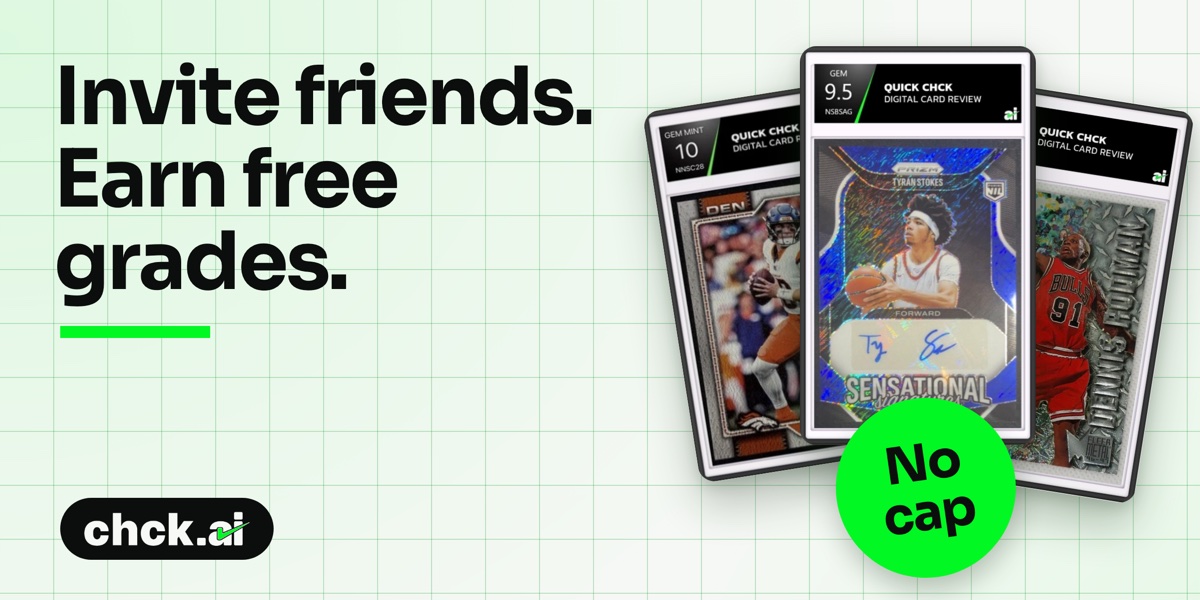 | |
Share your link, and every collector who signs up puts free grades in your account. | |
|
Know a collector who would like this? Forward this email to them. Their first grade is free too. |
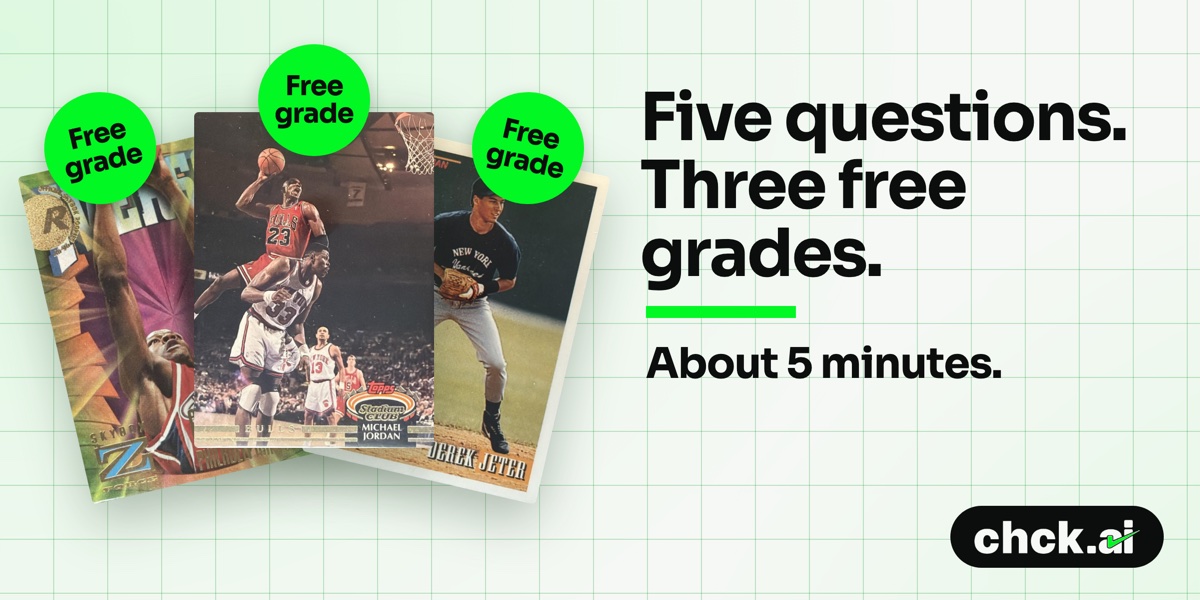 | |
Tell us what to build next. Finish the survey once and we'll drop three free grades straight into your account. | |
|
Questions? Reach out.Something not adding up on a grade, or an idea for what we should build next? Reply to this email or write to contact@chck.ai. | |
|
 | ||||
| Follow CHCK.AI | ||||
|


